Layouts

Warp comes with a sophisticated layout system to create any kind of sidebar or widget layout. You can easily manage the sidebar's positions and widths in the theme administration. Widgets can have different styles and be placed in any position offered by this theme. Each position has its own layout. You can align widgets side-by-side, stack them or choose your own grid layout. Show or hide widgets on mobile devices, while the grid adapts perfectly to your layout.
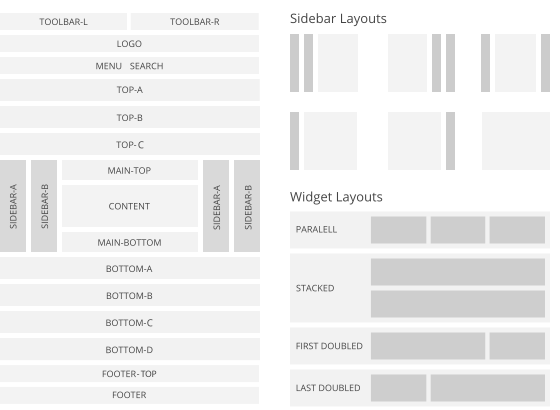
Warp Layout System

UIkit


Article title

UIkit

Lorem ipsum dolor sit amet.

Lorem ipsum dolor sit amet, consectetur adipisicing elit, sed do eiusmod tempor incididunt ut labore et dolore magna aliqua.

<div class="myclass">...</div>

text-muted
text-primary
text-success
text-warning
text-danger
a element
em element
strong
code element
del element
ins element
mark element
q inside a q element
abbr element
dfn element

Badge 1 Success 4 Warning 3 Danger 4

h1

h2

h3

h4

h5
h6

Lorem ipsum dolor.

Someone famous
  • Author

    May 2, 2090 at 1:55 pm

    Lorem ipsum dolor sit amet, consetetur sadipscing elitr, sed diam nonumy eirmod tempor invidunt ut labore et dolore magna.

Divider

Lorem ipsum dolor sit amet, consectetur adipisicing elit.

Header

Lorem ipsum dolor sit amet, consectetur adipisicing elit.

Box

Lorem ipsum dolor sit amet, consectetur adipisicing elit.

Box primary

Lorem ipsum dolor sit amet, consectetur adipisicing elit.

Box secondary

Lorem ipsum dolor sit amet, consectetur adipisicing elit.

Info message

Success message

Warning message

Danger message

55%
55%
55%
55%
Form states
Form styles


  • List item 1
  • List item 2
  • List item 3
  • List item 1
  • List item 2
  • List item 3
Table caption
Table Heading
Table Data
Table Data
Description lists
Description text.
Description lists
Description text.

Title

Lorem ipsum dolor sit amet, consetetur sadipscing elitr.

Title

Lorem ipsum dolor sit amet, consetetur sadipscing elitr.

Dummy Content

Lorem ipsum dolor sit amet, consectetur adipisicing elit, sed do eiusmod tempor incididunt ut labore et dolore magna aliqua. Ut enim ad minim veniam, quis nostrud exercitation ullamco laboris nisi ut aliquip ex ea commodo consequat. Duis aute irure dolor in reprehenderit in voluptate velit esse cillum dolore eu fugiat nulla pariatur. Excepteur sint occaecat cupidatat non proident, sunt in culpa qui officia deserunt mollit anim id est laborum.

Features

Styles

6 different theme styles for a good start.

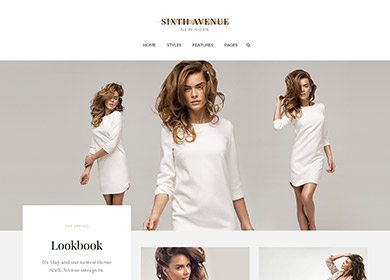
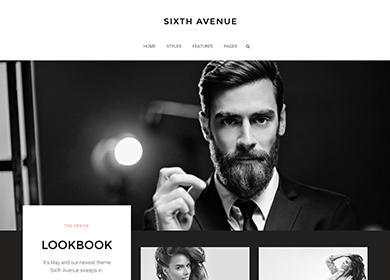
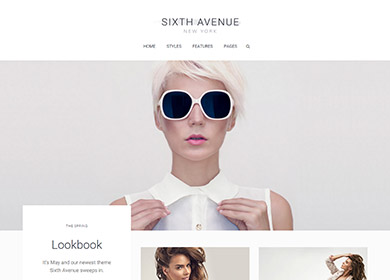
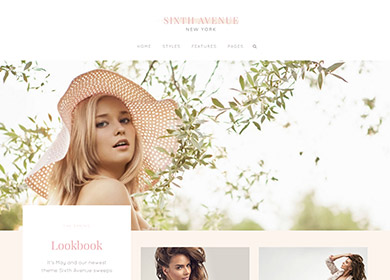
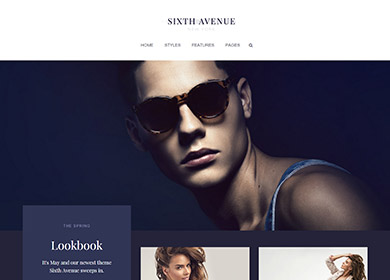
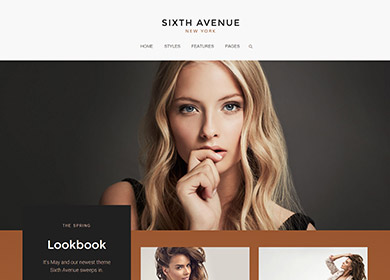
We provide lovingly crafted style variations to give you a glimpse of what is possible with this theme. The built-in theme customizer allows you to modify colors, fonts, sizes and much more without any CSS knowledge. Just choose your colors with the color picker and adjust the theme with only a few clicks. Click on one of the images to see the style.

Default

Default

Ruby

Ruby

Snow White

Snow White

Rose

Rose

Azure

Azure

Copper

Copper


Theme Features

Sixth Avenue features a one of its kind fullscreen overlay menu matching the theme’s overall clean, elegant styling. Sub menu items will be revealed on hover in the accordion-like navigation while the parent items still function as links. But of course you can also stick to the "traditional" top navigation, which provides the option to remain fixed at the top of the browser.

Dynamic Grid

Dynamic Grid

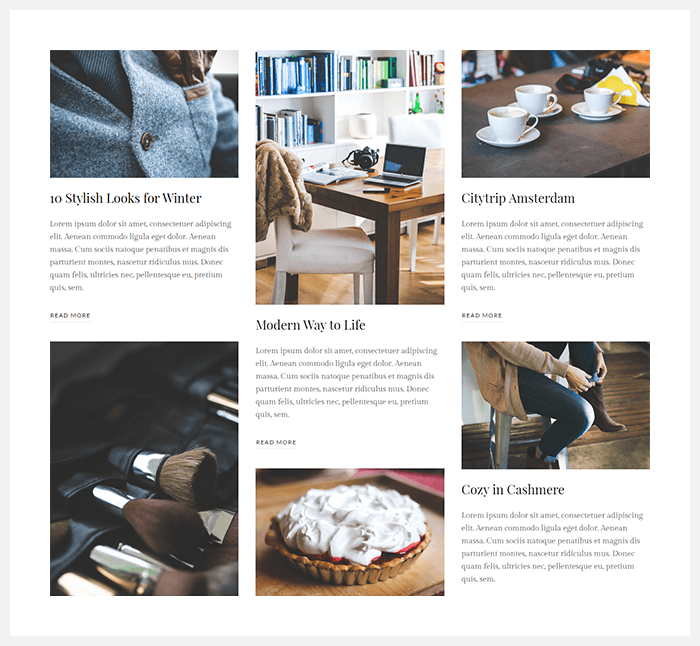
Display blog articles inside the Grid widget to create a news or magazine style layout by using Joomla instead of custom content.
Menu

Menu

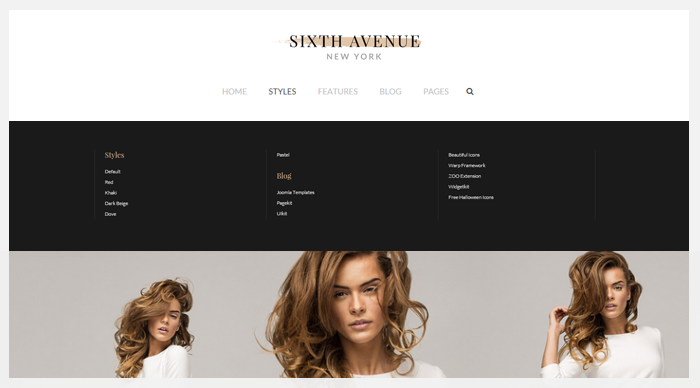
The main navigation of Sixth Avenue Theme features an optional full width dropdown that can be activated on hover or click.
Single Article

Single Article

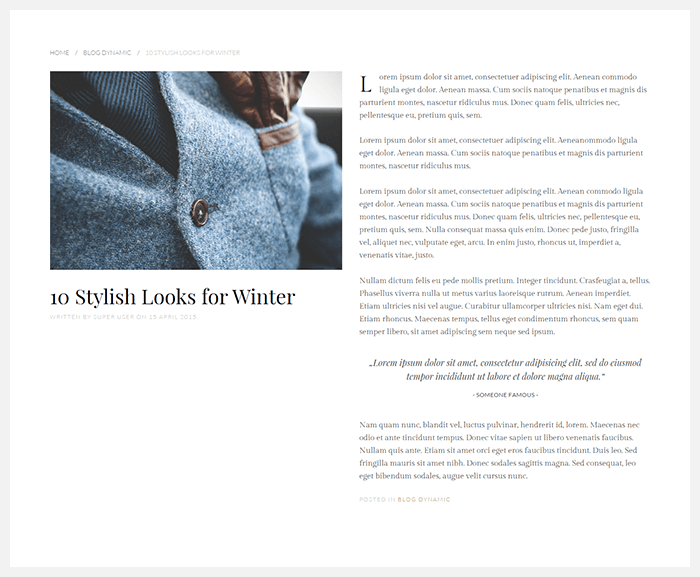
The single article view fits the elegant overall style of the theme and automatically adjusts itself depending on the image alignment.
Blog

Blog

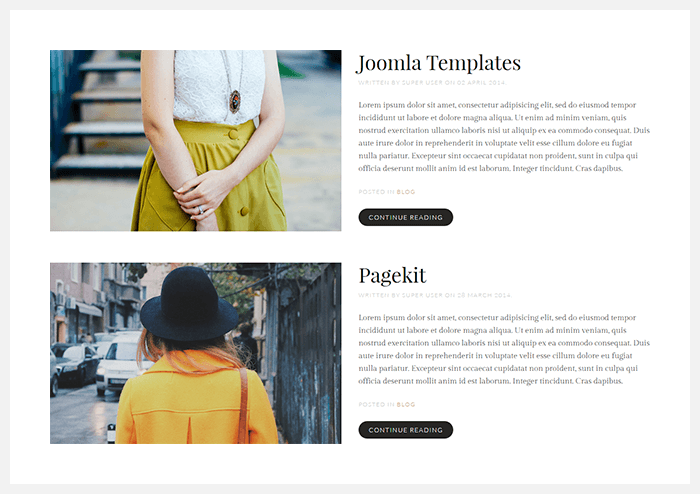
You can align featured images left, right or above the content in the Article Manager of the Joomla administration.
Drop Cap

Drop Cap

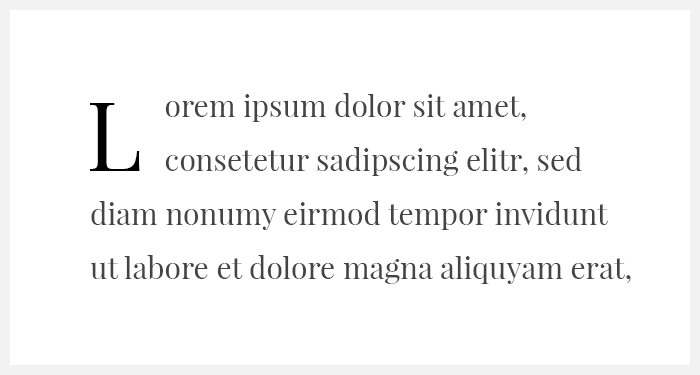
Sixth Avenue Theme offers a setting to display the initial character of articles as a drop cap that you can enable in the Warp administration.
Block Offset

Block Offset

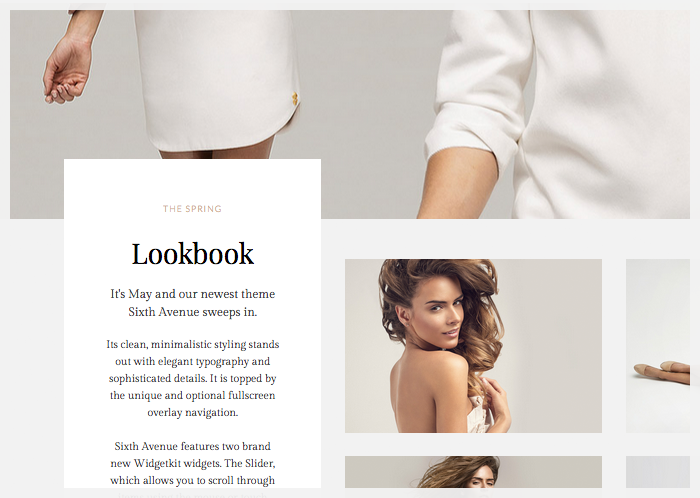
Enable the Offset option in the Block Appearance section of the Warp administration and panels will be pulled up in that block.
Overlay

Overlay

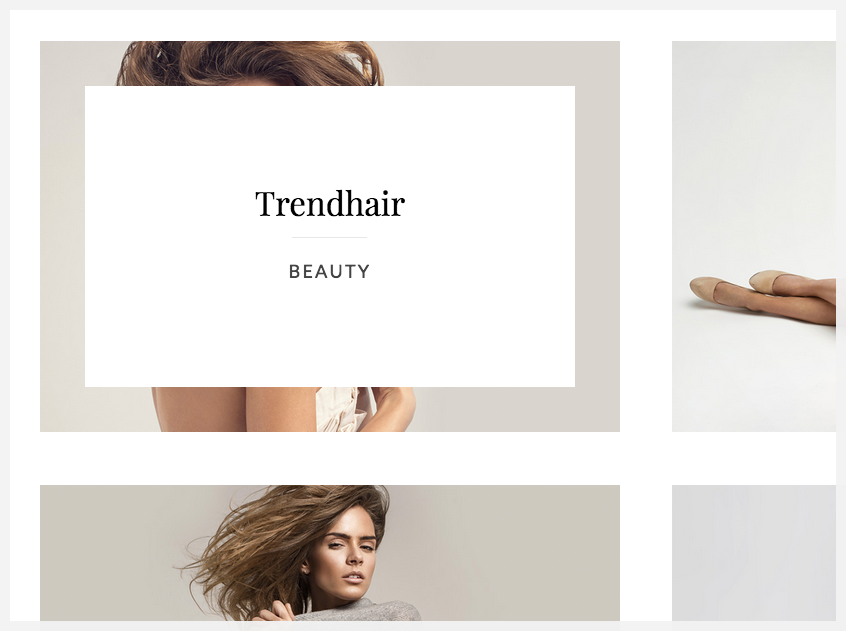
The special framed overlay offers a nice contrast to darker images and presents an elegant platform for additional content.
Overlay Image

Overlay Image

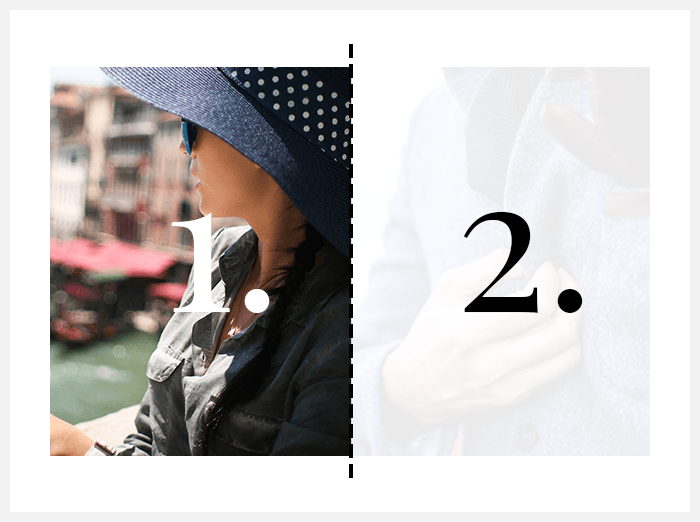
Widgetkit features the option to present a second image as an overlay on hover. Just add another media field to the content section.
Parallax Effect

Parallax Effect

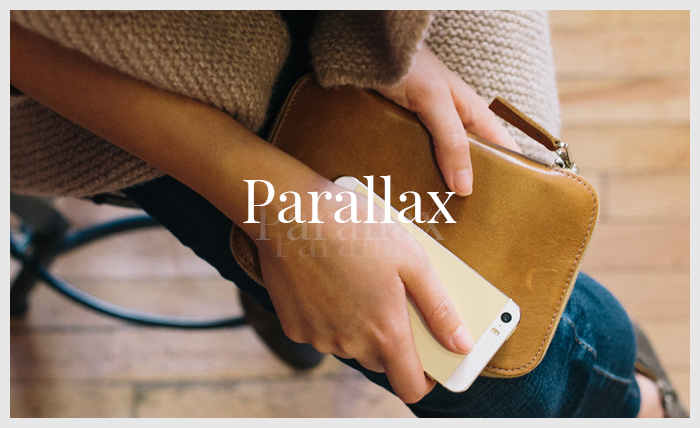
This theme presents the new Parallax widget. You can adjust different aspects, such as velocity and the position of your Widgetkit content.
Slider

Slider

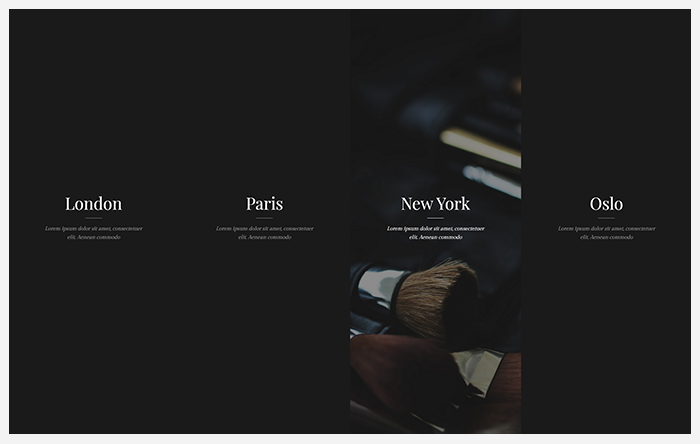
Display content inside the new Slider widget. You can scroll through items of the carousel using the mouse or touch gestures.

Warp Framework

A fast and slick theme framework which is built on the latest web techniques like HTML5, CSS3 and PHP 5.3+

Visit Website

UIkit

A lightweight and modular front-end framework for developing fast and powerful web interfaces.

Visit Website

Home

This is a hidden article.

More Articles ...